Screen
Three screens, three kinds of pixel.
LCD for a laptop or monitor, CRT for an old TV, Phone for an OLED's tiny dots. The same clip on each, after the original.

 · screen recording look
Tellybox puts your recording on a laptop or monitor, an old CRT or a phone and films it: tilted, close up, every pixel split into red, green and blue, and the edges falling out of focus like a real lens.
Launch prices · one payment, no subscription
Best value
Tellybox + Documentary Kit
$29 $59 USD
Tellybox, plus music, sounds, looks and markup.
Get Tellybox + the kitLaunch prices end in 7d 00h 00m 00s

· Perfect for documentaries
Documentaries keep needing the same shot: a page, a map or a message on a screen, seen over someone's shoulder.
Tellybox gives you that shot from the recording itself, with the camera exactly where you want it.
Up close
A few seconds each, rendered by Tellybox in DaVinci Resolve: the effect's own output, nothing added after.
Screen
LCD for a laptop or monitor, CRT for an old TV, Phone for an OLED's tiny dots. The same clip on each, after the original.
Phone, Push In, Drift
Set the screen to Phone and a vertical recording looks like a phone filmed up close. Tilt it, set Push In and Drift, and the camera moves on its own. On a 16:9 timeline, Recording Shape keeps the bars off the screen.
Lens Bulge
Lens Bulge rounds the screen out like an old TV's, or pulls it the other way. Here with Vignette and Chromatic Aberration darkening and fringing the edges.
Flicker, Flicker Speed
Flicker makes the screen's brightness waver. Flicker Speed runs from a slow breathing to a random glitch at the top. Flicker Glow Only holds the picture steady and pulses just the glow.
Focus Blur, Focus Shift
Focus Blur sets how shallow the shot is: turn it up and the near and far sides of the screen fall away. Focus Shift slides the sharp band and Focus Angle turns it, and Focus Pull moves it over the clip with no keyframes.
Chromatic Aberration, RGB Split
Chromatic Aberration fringes the corners like a simple lens; RGB Split pulls red and blue apart. Here on a code editor, with RGB Split moving.
Moire
Moire adds the rippling bands you get filming a real monitor, stronger as the camera gets closer. Moire Bands, Moire Colour and Moire Speed set their size, tint and movement. Off by default.
Specification
ResolvePremiereTellybox Documentary Kit
The Documentary Kit is Tellybox plus the rest of a documentary's screen scenes: the music, the sounds, the colour, and the marks you draw over your sources.
Audio files, .cube looks and video clips with a transparent background: nothing more to install, on Windows or Mac.
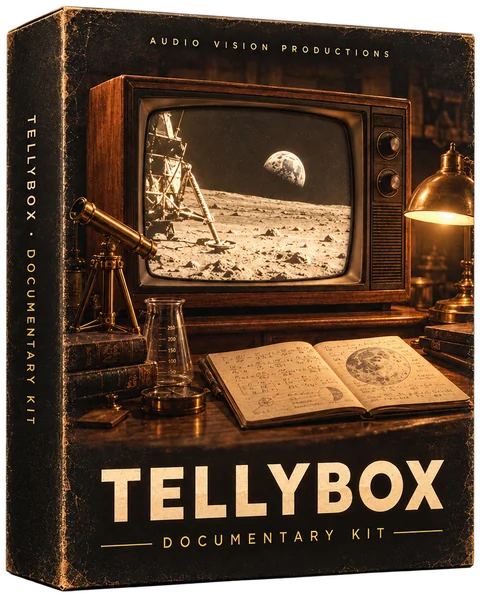
Six of the 22 tracks in the kit, each with its key in the name.
Twelve of the 114 sounds, in 7 folders sorted by use.
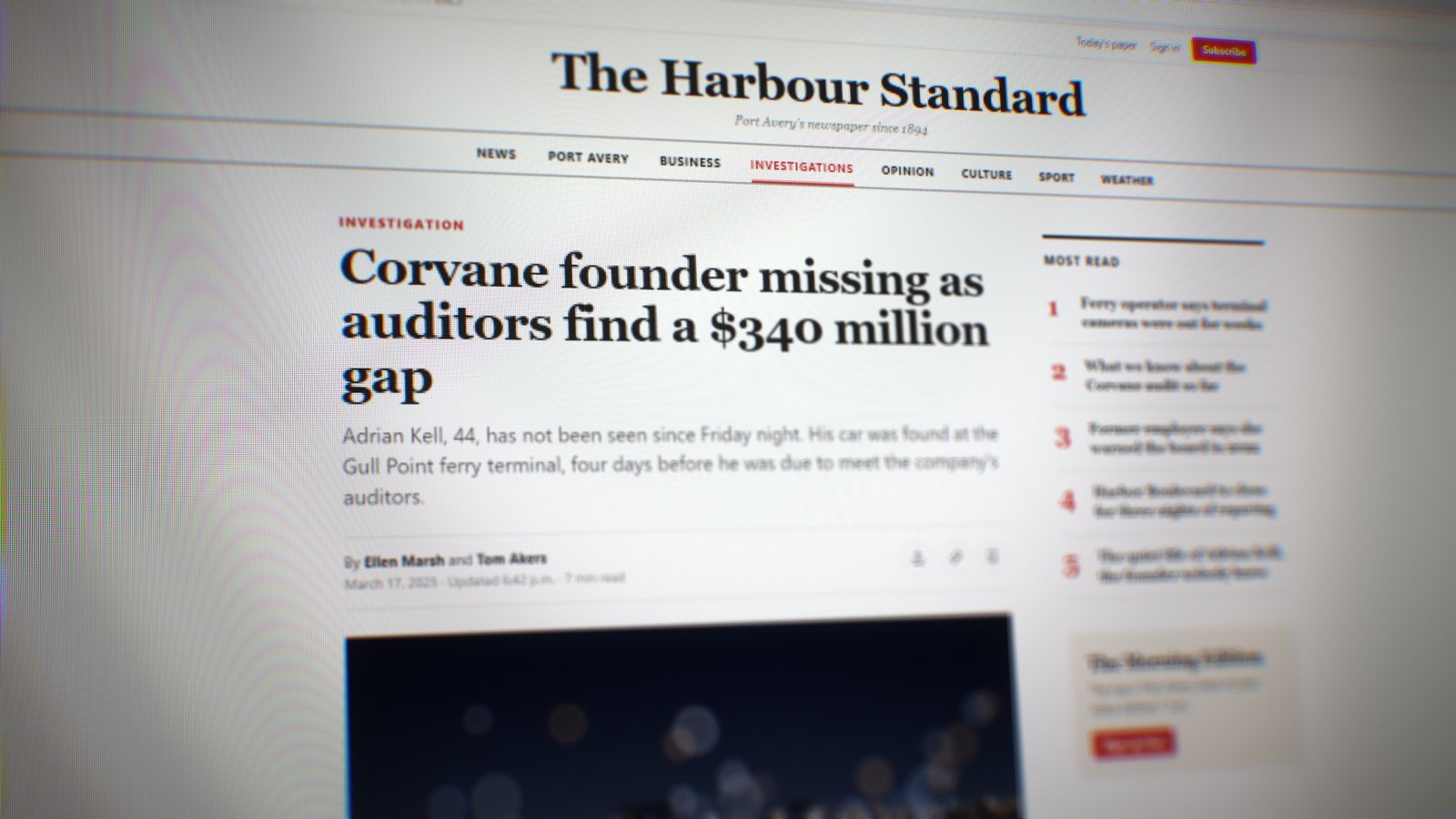
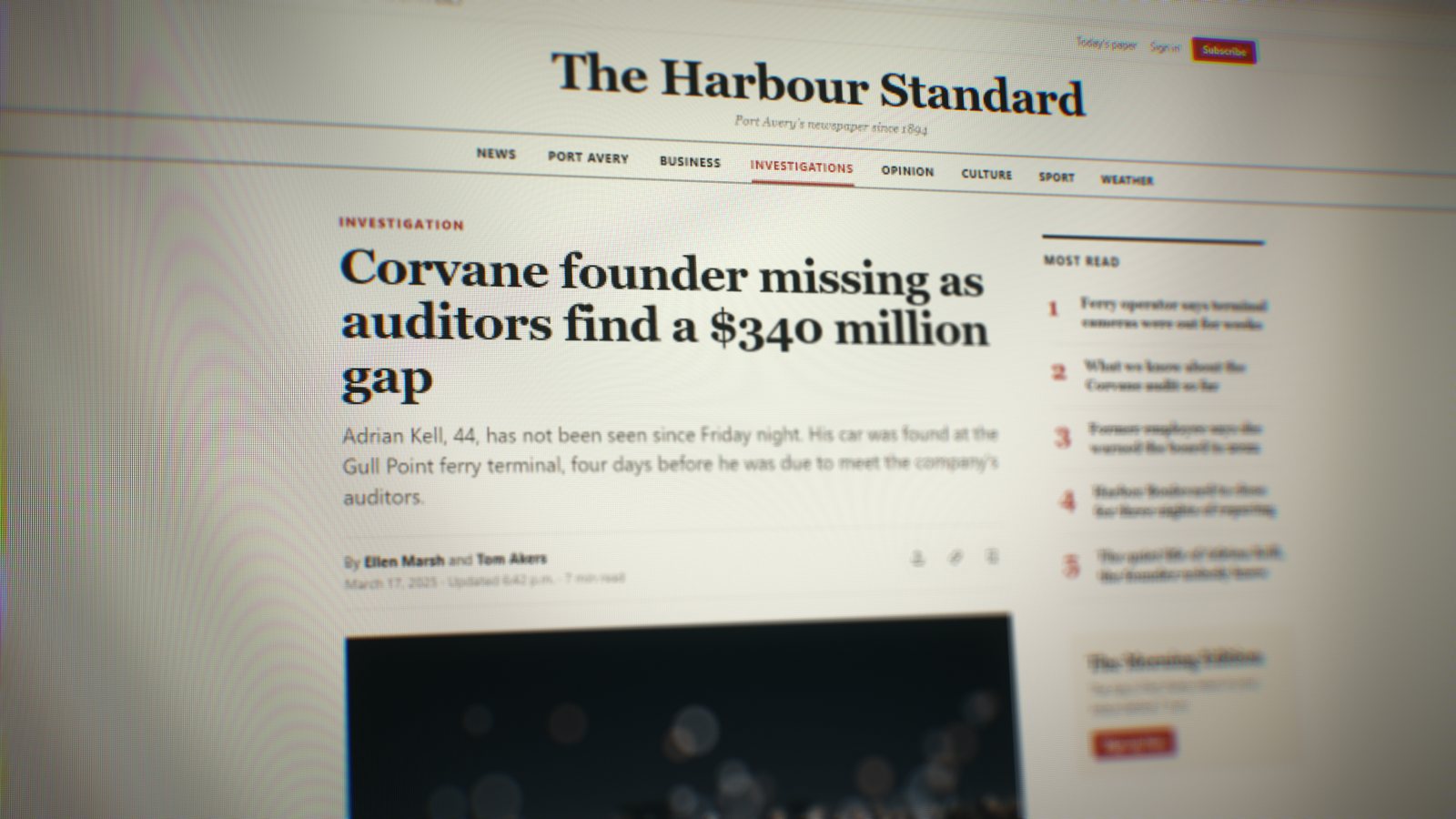
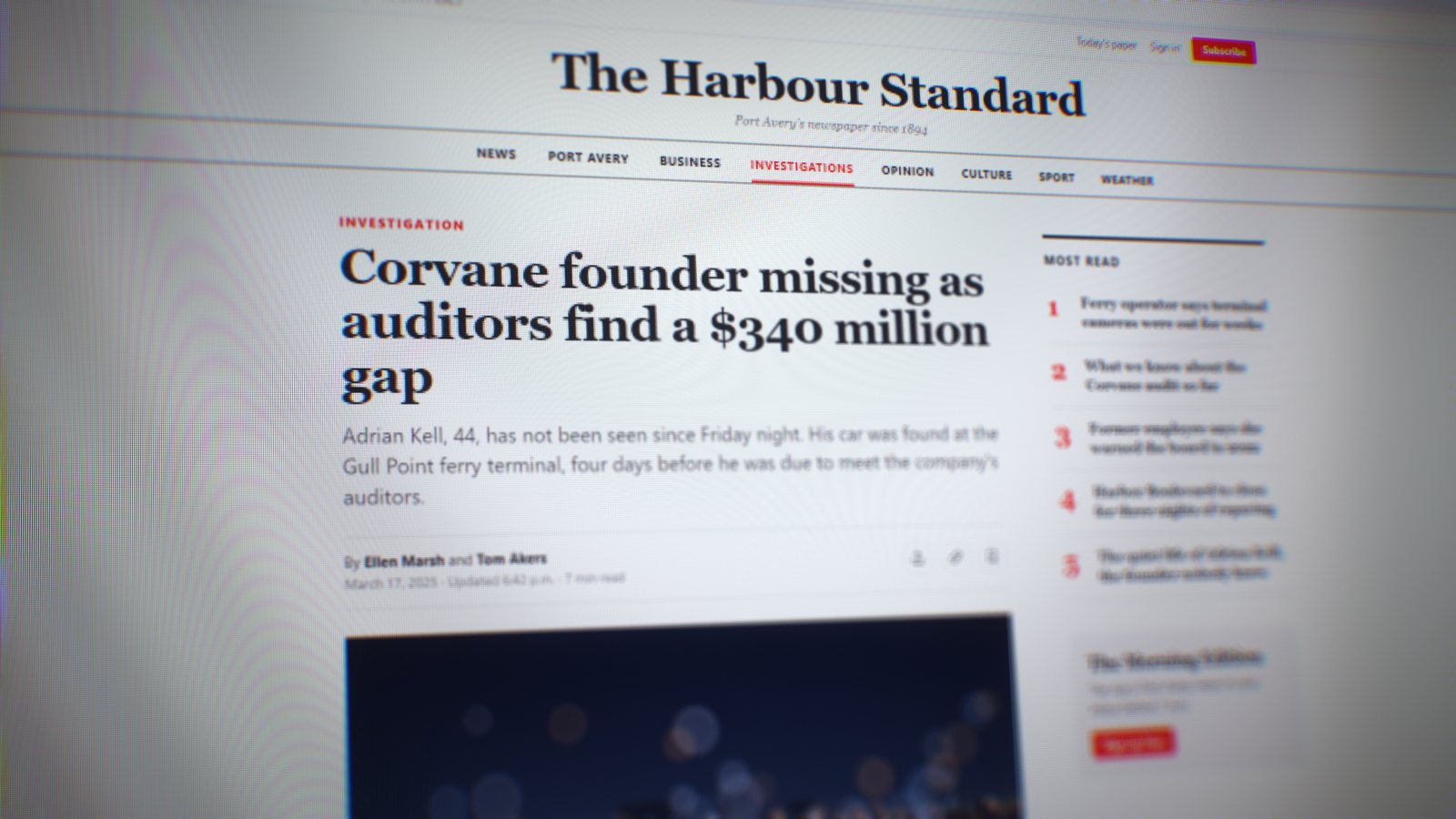
Pick a look. Hold the picture to see it without one.
Every mark is a clip with a transparent background: put it over your shot, move it onto the word. Add Flipbook (free) on top and the finished stroke keeps moving.
How I built a documentary intro from free archive footage, free on YouTube.
Two ways to get it
One installer puts Tellybox into DaVinci Resolve and Premiere Pro at once. The download has it for Windows and Mac, with an install guide for each editor, on the page right after you pay. The Documentary Kit adds the music, the sounds, the looks and the evidence markup.
Launch prices · one payment, no subscription
Tellybox
$19 $39 USD
The effect only.
Best value
Tellybox + Documentary Kit
$29 $59 USD
Tellybox and the whole kit:
Similar packs, all togetherabout $137
Get Tellybox + the kitLaunch prices end in 7d 00h 00m 00s