Audio Vision ProductionsAudio Vision Productions v1.0 Free

Any editor · text-message chats

Animated text-message chats, straight onto your timeline.

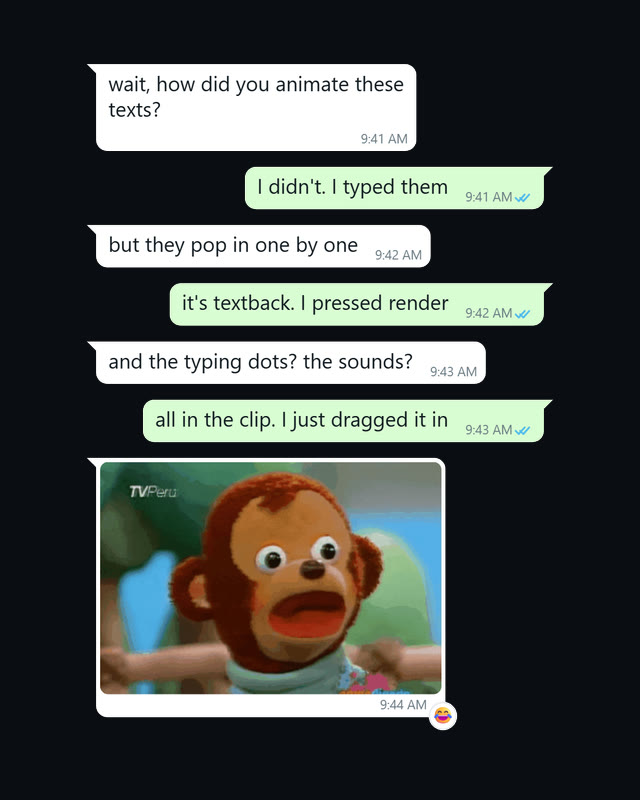
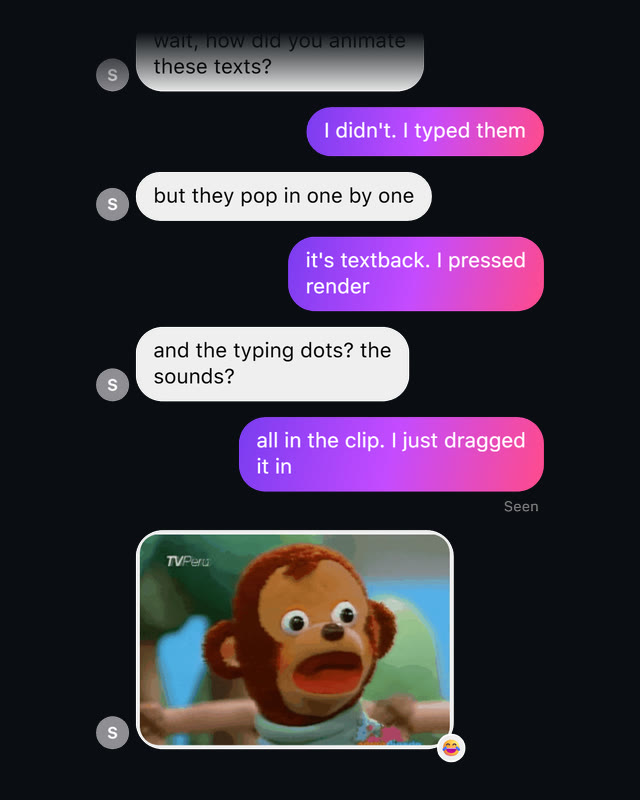
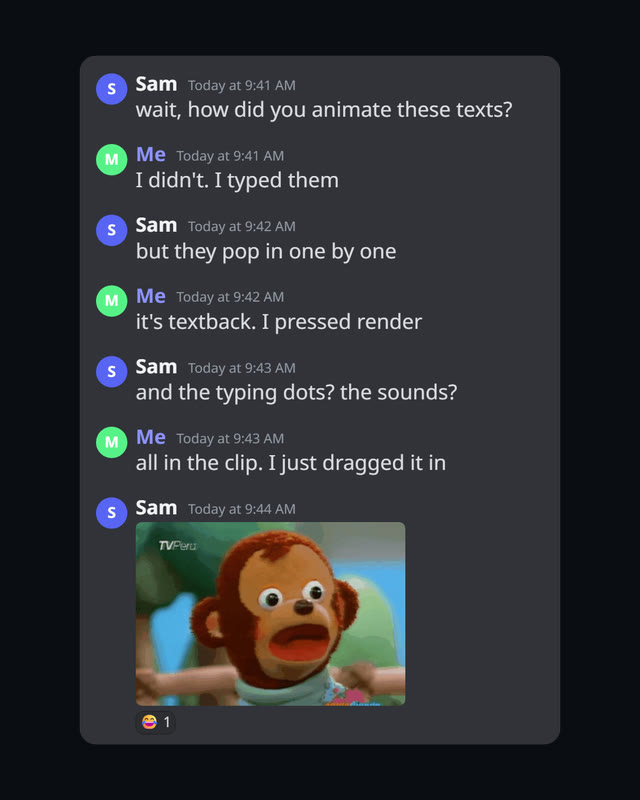
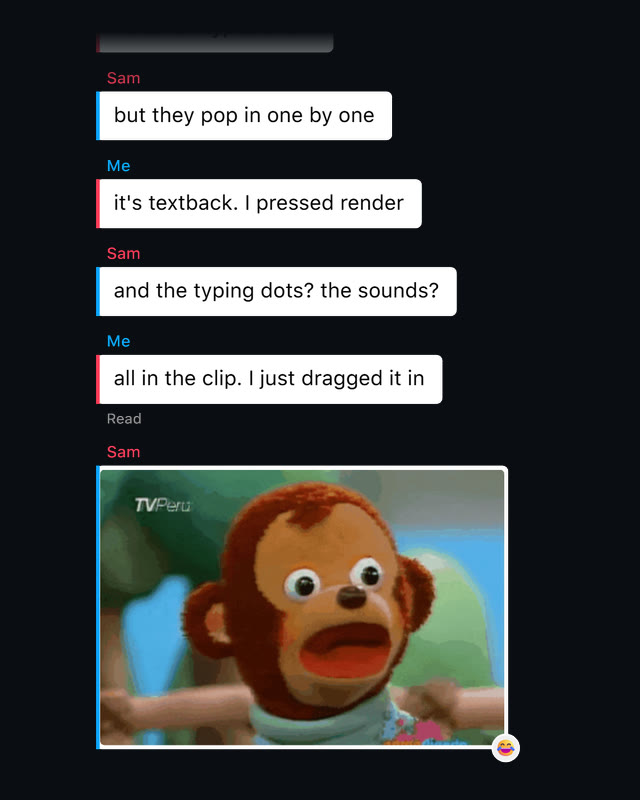
Type the chat message by message. Textback draws it bubble by bubble in the look of iMessage, WhatsApp, Discord and 16 more, with typing dots and a sound for every message. Press RENDER and drag the transparent clip onto your timeline, in any editor. In Resolve Studio it lands at the playhead by itself.

Textback: a phone standing in its charging base, a chat of orange and grey bubbles on its screen, the base's keys labelled TYPES & STOPS, PAUSE, TIME, PHOTO, VOICE, VIDEO, STYLE, REVEAL, THEME, PACE, FORMAT and RENDER
Textback 1.0

The tour · under a minute

See the whole app in action.

The whole app in under a minute: pick a style, type the chat, paste in a GIF, press RENDER, and the clip is on the timeline. Captions are on, so it reads with the sound off. Click it for the sound.

One chat · 6 of its 19 styles

How it works

From a few messages to your timeline.

  1. Type the conversation.

    Type a message and press Enter: the next one is from the other person. SAMPLE puts in a chat to start from.

  2. Pick the look while it plays.

    The preview loops on the phone's screen, so every change shows as you make it. Its speaker key plays the sounds.

  3. Press RENDER.

    Drag the clip from the app onto your timeline, in any editor. In Resolve Studio it lands at the playhead by itself, above your footage, sound and all.

The whole app · one window

What you can change.

Textback is a small app that sits beside your editor: a phone standing in its base. The phone's screen is the preview, the base holds every control, and the defaults already look the part.

The Textback window: the preview on the phone's screen on the left, showing the first iMessage bubbles over a checkerboard, and on the right the conversation as a list of rows, the message box, the add keys, STYLE, REVEAL, THEME, PACE, FORMAT and RENDER
Textback 1.0, as it opens
You and them
YOU on the right, THEM on the left. + PERSON makes a group of up to six, and ⇄ swaps sides.
The conversation
One row per message: edit it in place, drag it to move it, add a reaction or a read receipt.
The add keys
TYPES & STOPS (their dots, then nothing), PAUSE, TIME, and PHOTO, VOICE and VIDEO bubbles.
Style
19 looks, from phone apps and a lock screen to movie titles and your own colours.
Reveal
How each bubble arrives: Slide Up, Pop, Type & Send and six more.
Theme and pace
Light or dark, and how long each message is read before the next.
Format
The clip's size: your Resolve Studio timeline's own, or vertical, 16:9, square, 4:5, 4K or a size you type.
Render
Leaves the clip in the tray to drag into any editor, and lands it at the Resolve Studio playhead.

Set once, in the cog

The contact's header, their typing dots, where the thread sits in the frame, the first message's time, the reveal and hold times, the text size and bubble width, the message sounds, and the Resolve frame behind the preview.

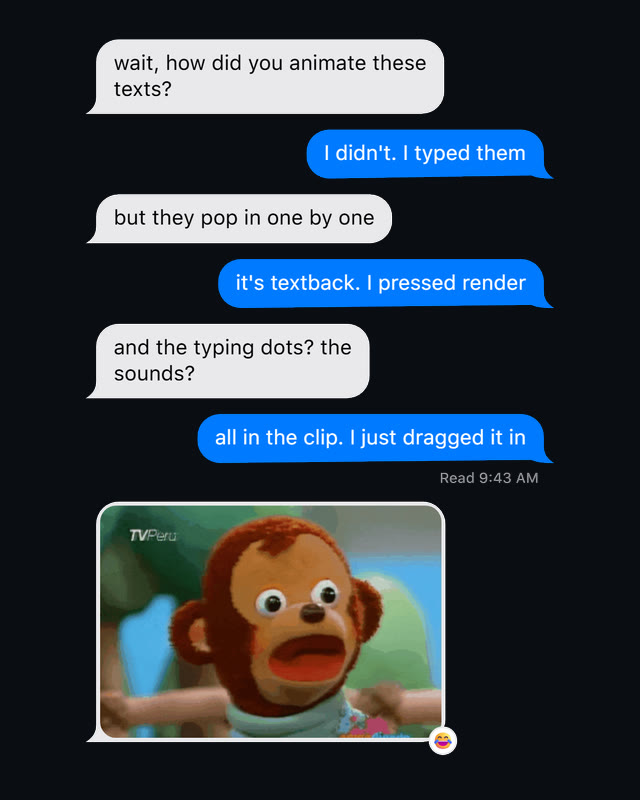
19 styles · 9 reveals

Pick the app. Pick how each message lands.

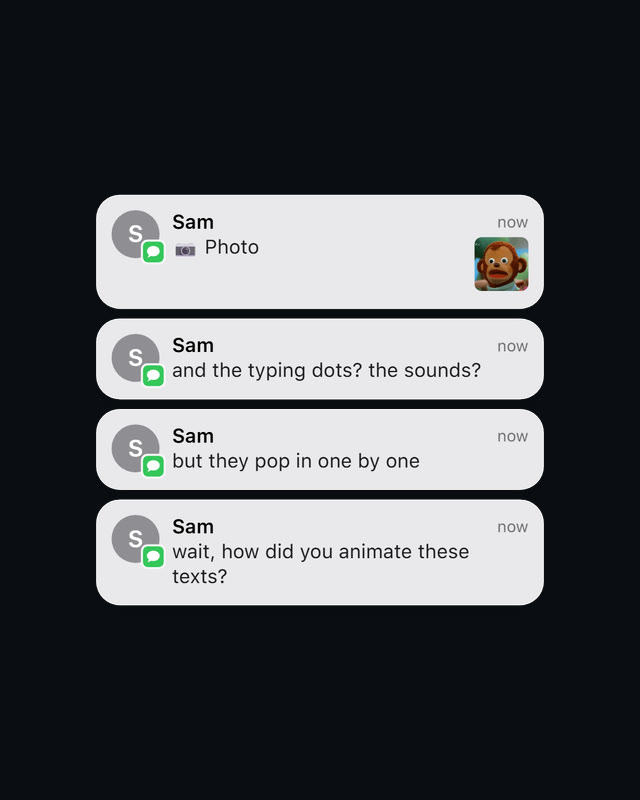
Each style follows its app's bubbles, colours and read receipts, with message sounds made for Textback rather than copied.

Phone apps
iMessage, WhatsApp, Instagram, Messenger, Android, Telegram, Snapchat, Tinder
Lock screen
Notification
Desktop apps
Discord, Slack
Screens
VS Code, Terminal, Pager, Nokia
Movie titles
Her, Thriller, Cinematic
Your own
Custom

The reveals

  • Slide Up
  • Pop
  • Type & Send
  • Spring Pop
  • Bounce
  • Fade
  • Typewriter
  • Snap
  • Word Fade

On the phone styles, Type & Send types your messages into the app's message bar, then sends them.

What a chat can hold

  • Typing dots
  • Reactions
  • Read receipts
  • Timestamps
  • Photos and GIFs
  • Voice notes
  • Videos
  • Avatars
  • Group chats up to six
  • Contact header
  • Colour emoji

The phone styles draw them all, the others what their app would. Voice notes and videos play silent: their sound is yours to add on the timeline.

Specification

What you are installing.

Any editor
Drag inAnything that opens a ProRes 4444 .mov with transparency
Resolve
StudioPlaces the clip at the playhead. Version 21.1 or later, External scripting set to Local in Preferences, then restart Resolve. The free version takes it dragged in
Output
ProRes 4444Transparent, the sounds on their own track. Your Resolve Studio timeline's frame rate, otherwise 30 fps
Shape
AnyYour Resolve Studio timeline's own, vertical otherwise. 16:9, square, 4:5, 4K or a size you type
Install
Windows + MacA signed installer for Windows and a notarized app for Apple silicon Macs
Price
FreeAnd it stays free

Free, and it stays free

Get Textback 1.0.

The app for Windows or Mac, about 180 MB.